

Features



Easy Exclusion of Classes
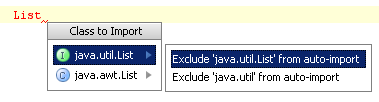
You should already know that you can exclude certain classes from auto-import and code completion in IntelliJ IDEA 8.1. In Maia it will be even easier — you will be able to do it directly from the auto-import popup:
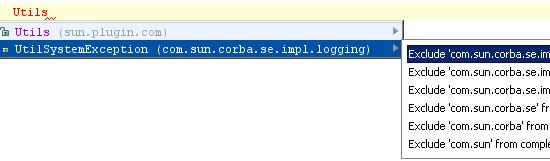
And from completion list, too:
Subscribe to IntelliJ IDEA Blog updates


