Posts Tagged ‘Maven’

IntelliJ IDEA 10: free IDE for Android development

Tuesday, October 19th, 2010

Yes, you’ve read it correctly. No mistake here.

It’s been one year since we open-sourced IntelliJ IDEA and announced its free Community Edition. If you are curious to know the results of that bold move and see some stats and charts — check out this article on DZone.

Today, one year later, IntelliJ IDEA Community Edition gets a big addition: Android development plugin becomes available in the free edition of IntelliJ IDEA starting with version 10.

Please note we’re NOT open-sourcing something we don’t want to develop ourselves. In addition to improvements to existing IntelliJ IDEA features for Android developers, we will add the following new ones in version 10:

Prooflinks:

P.S. Those of us using Android phones truly hope that this will come back in the form of more great apps for our mobile devices! :)

Develop with pleasure!
-The IntelliJ IDEA Team

Getting External Libraries Easily

Friday, August 13th, 2010

JARs of many frameworks and their dependencies get updated too often now. But you do not want to turn your project into a Maven project just because of this? Then this feature is just for you.

In IntelliJ IDEA 10 you can search for & download libraries with dependencies for any framework published on some public maven repository. Minimum Maven experience is required. Just click ‘Attach Classes from Repository…

You can add your company repository to the list of searched repositories, if it is managed by Nexus, by providing the Nexus URL in Settings | Maven | Repository Indices | Nexus Locations list.

Try this in IntelliJ IDEA X EAP and let us know how it works for you.

UPDATE JavaDocs & Sources download as well as the Artifactory support are now available.

Maven Dependencies Diagram

Monday, May 31st, 2010

Anyone working on large Maven projects knows well about how hard it is to keep in mind all the dependencies between modules and libraries; and even harder, to resolve conflicts between them. We’ve greatly improved Maven Dependencies Diagram to make this whole thing a lot simpler.
(more…)

Maven refactorings: Introduce Property

Tuesday, April 20th, 2010

Sometimes while editing pom.xml one needs to define a property and replace the occurrences of some value - artifact version, for example, - with this property. Now you can use the new IDEA  Introduce Property refactoring for these purposes.

To invoke refactoring, select the string that should be replaced and press Ctrl-Alt-V (alternatively, you can use Maven/IntroduceProperty action in the editor context menu). In dialog enter the property name and select the pom to create the property in:

Introduce Property dialog

Introduce Property dialog

Refactoring finds all the occurrences of the selected string in the poms hierarchy and replaces them.

More refactorings will be added soon.

Any comments are appreciated.

Maven pom.xml editor new features

Thursday, March 4th, 2010

Since the latest IntelliJ IDEA  9.0.2 EAP the IDE contains a bit of new Maven-related pom.xml editor features.

1. Easier Navigation

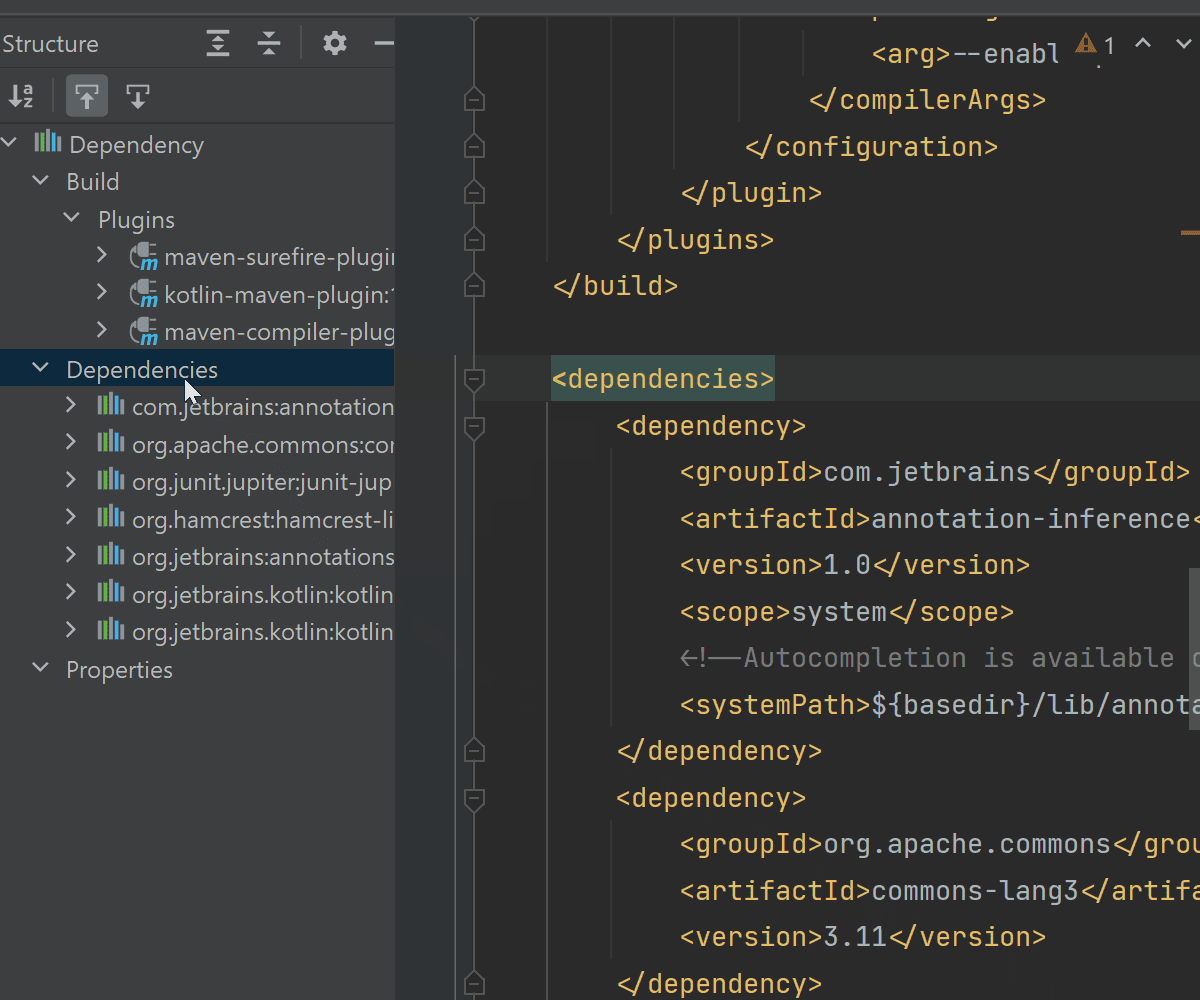
  • You can navigate to “Dependency usages” from “dependencyManagement” of your parent pom.xml:
    and back:
  • You can navigate through projects tree

2. Smarter Paths
‘Path reference’ notion were added to the editor to enhance the code completion, usages search and rename refactoring of project paths.

3. More intelligent plugins configuration
IntelliJ IDEA analyses plugin parameter types and adds smart value editors for plugin configuration tags.

You feedback is as always highly appreciated.

Maven Generate actions for pom.xml editor

Wednesday, March 3rd, 2010

Try the last EAP of IntelliJ IDEA 9.0.2 to test new ‘Generate’ actions for Maven pom.xml editor.  Type “Alt+Insert” to invoke the “Generate…” popup menu and select an action to run.

IntelliJ IDEA actually runs live template inside to complete the code generation

Generate action for pom.xml

Let us know what you think about.

Flex SDK Sources and Flexmojos Projects

Monday, January 18th, 2010

If you are working with Flexmojos Maven projects in IntelliJ IDEA 9, and have imported Flexmojos project as described in this post, and are planning to debug your application and browse through Flex SDK sources, this post is a must-read for you. Inside you will find details on how to configure IntelliJ IDEA so that it properly recognizes SDK sources and their ASdocs.

(more…)

Import Flexmojos Projects to IntelliJ IDEA 9

Monday, September 28th, 2009

Integration with Flex projects that are set up using Flexmojos Maven plugin is very much improved in IntelliJ IDEA 9 (Maia).

Note: before starting please make sure that Maven Integration Extension plugin is enabled at Settings (Ctrl+Alt+S), Plugins page.

If you are using Flexmojos version 3.4 or higher, then the only thing you need to do to import your Flexmojos project to IntelliJ IDEA is to click New Project on the File menu and select your pom.xml file.

That’s all! Right after that you have full coding assistance, ability to compile your project in the same way as Maven does, and to run and debug your application in IntelliJ IDEA.

Note: get more information about configuring Flex SDK sources and documentation for Flexmojos projects. (more…)

Maven Properties and Filters Support in Maia

Monday, September 7th, 2009

Next Maia EAP comes with full support of Maven Properties and Filtered Resources. New features include:

Go to declaration with Ctrl+B on a property from your pom.xml files, settings.xml and profiles.xml files, system and environment properties, and properties defined in custom Maven filters.

Find Usages

Rename properties defined in the section of you Maven project and custom filters files.

Maven-like Classpath in Maia

Monday, August 31st, 2009

Starting next Maia EAP, classpath for Maven-based projects will be built following Maven rules.
Also, IntelliJ IDEA will natively support compile, test and run-time dependency scopes.

For more information see Maven Dependency Mechanism documentation.